Turn in an assignment with a document assigned to you
If your teacher attached a document with your name in the title, it’s your personal copy to review and edit. As you work, your teacher can review your progress before you click Turn in.
- Go to classroom.google.com.
- Click the class
Classwork
- To open the assigned file, click the thumbnail with your name on it.
- Enter your work.
- Choose one:
- In the document, click Turn in and confirm.
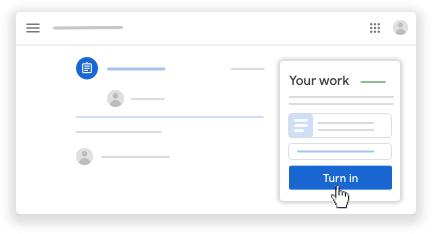
- In Classroom, in the assignment, click Turn In and confirm.
The status of the assignment changes to Turned in.

No comments:
Post a Comment